How to Get More DoorDash Orders With Better Food Photos

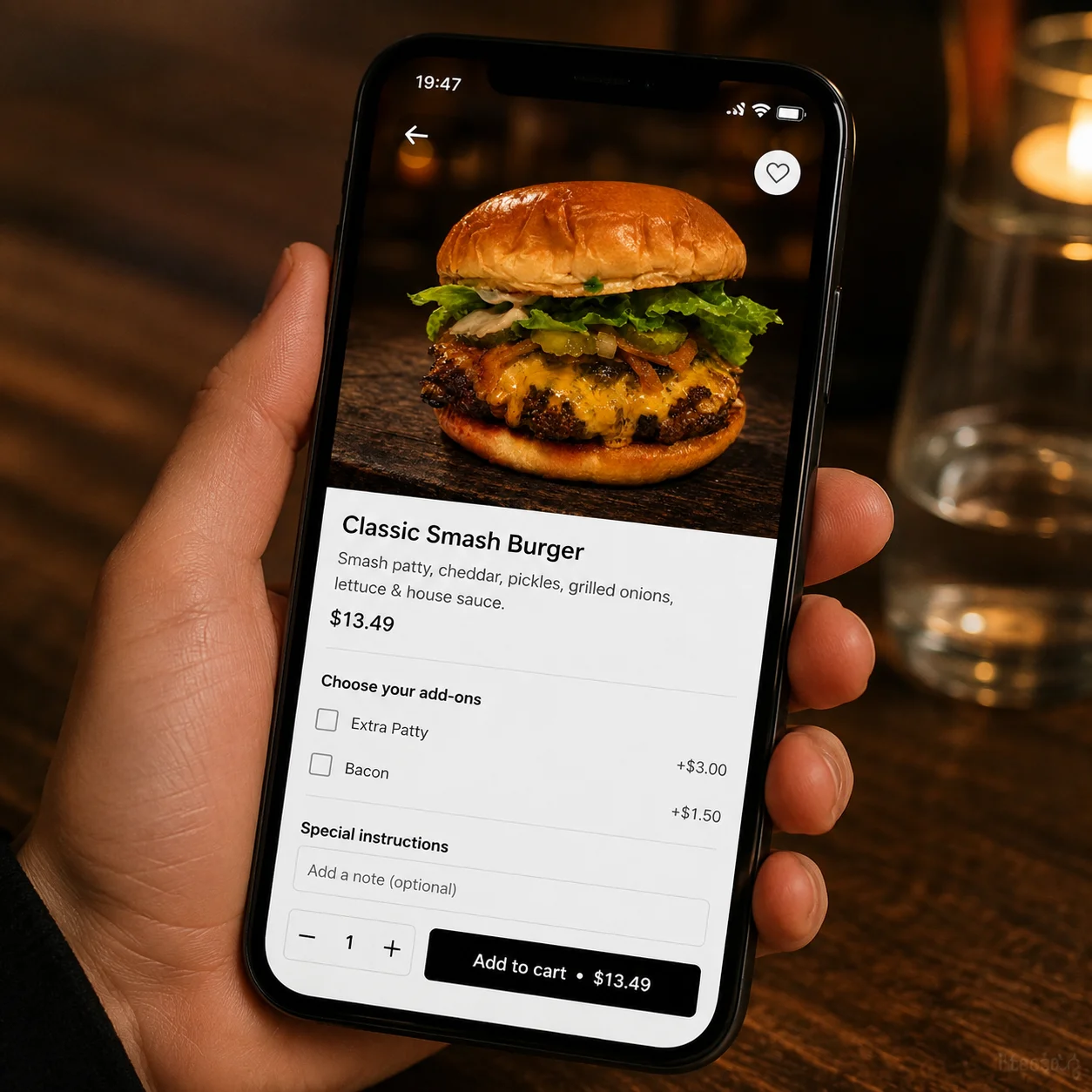
You went looking for how to get more DoorDash orders the same way most owners do: after the fact, once the silence got loud enough to worry about. You set up the account, built out the menu, and priced things fairly, maybe even a little aggressive to get things moving. Then you did what every restaurant owner does after flipping the switch: you waited for the tablet to buzz. Three days in, the orders are trickling in at a rate that barely covers the commission, and you're left staring at the app, wondering what's actually wrong.
How DoorDash Actually Works When Someone Opens the App
Here's the part that gets missed. DoorDash isn't a search engine. Nobody opens the app, types in a craving, and reads through a list of restaurants weighing prices and star ratings like they're comparing insurance plans. They open the app hungry, tired, and a little impatient, and they're handed a grid. Dozens of listings, each one reduced to a single square photo, a name, and a delivery time.
The decision happens in the scroll. A thumb moves down the screen, eyes catch on a photo, and a tap happens before the brain has finished forming a sentence about it. Reviews get checked after the tap, sometimes. Price gets compared after the tap, sometimes. But the tap itself, the moment that decides whether your restaurant gets considered at all, is a reaction to a picture the size of a postage stamp.
That's the part worth sitting with. Your DoorDash listing isn't competing on food quality in that moment. It's competing on which square in the grid looks like it's worth stopping for. A restaurant with better food and a worse photo loses to a restaurant with average food and a photo that reads clearly at thumbnail size. It's not fair, and it's also just how the app works, which is the same reason how restaurant owners are getting more customers from their photos maps directly onto DoorDash orders too: the platform is different, but the tap-first behavior is the same.
What a High-Converting DoorDash Photo Actually Looks Like
A photo that earns the tap has to do something a normal food photo doesn't: survive being shrunk down to a square tile and still look like the best thing on the screen. That means high contrast between the food and the background, a single clear subject, and colors that hold up when the image gets compressed and cropped. Soft, pretty, magazine-style lighting can actually work against you here. What reads as elegant at full size can go flat and gray in a one-inch square.

It also has to survive the delivery itself, at least in the customer's imagination. They're not just deciding if the dish looks good. They're deciding if it will still be worth opening the bag for after a fifteen-minute ride in a hot car. A soggy-looking plate or a dish shot in a way that hints at limpness works against you before the food even leaves the kitchen.
The right approach depends on the dish:
- Burgers want a three-quarter angle, low to the plate, so the layers are visible. Melted cheese and a slightly open bun catch light and signal freshness even in a small photo.
- Bowls need to be shot from almost directly overhead so every ingredient gets its own patch of color. A bowl shot from the side just looks like a beige mound.
- Pizza performs best straight-on and slightly elevated, close enough that one or two slices dominate the frame instead of the whole pie shrinking into a circle nobody can read at thumbnail size.
- Pasta needs height. A tight, low angle that lets steam and sauce catch the light does more work than a flat top-down shot, which tends to flatten sauce into a solid color blob.
Across all four, the background matters more than most owners assume. A cluttered table, a second dish creeping into frame, or a busy tablecloth all steal attention that the food needs in a photo this small. Simple and dark or simple and light, with nothing else competing for the eye.
The Most Common DoorDash Photo Mistakes Restaurants Make
Shooting under kitchen fluorescent light. Overhead kitchen lighting casts a flat, greenish tone that makes almost any dish look tired, drains color out of sauces, and turns cheese a shade paler than it actually is. It's convenient because it's already on above the pass, but it's quietly working against every photo taken under it, and the effect only gets worse once the image gets compressed for the app.
Photographing the whole spread instead of the hero dish. A wide shot of three plates, a side, and a drink might feel like it shows customers more value, but at thumbnail size it reads as visual noise, not abundance. One dish, filling the frame, always outperforms an entire table, because the eye has exactly one thing to focus on and one second to decide it likes what it sees.
Using stock photos or old menu images that don't match the real food. Beyond the trust problem when the delivered food doesn't match the photo, DoorDash and customers both notice the mismatch, and it costs repeat orders even when it wins the first tap. A restaurant that gets caught using an image that isn't its own food tends to see that show up in reviews within a week.
Shooting the dish cold instead of fresh off the pass. Cheese stops stretching, sauce stops glistening, and steam disappears within a couple of minutes. A photo taken even five minutes late looks noticeably less appetizing, even if nobody looking at it could say exactly why. The dish is the same recipe, cooked the same way, but the camera caught it past its best moment.
Cluttered backgrounds that bury the food in the frame. Busy backgrounds do double damage on a delivery app. They already compete for attention at full size, and when the image gets cropped down to a thumbnail, the food itself can shrink to a fraction of the visible frame while napkins, condiment bottles, or a second plate take up the rest of it.
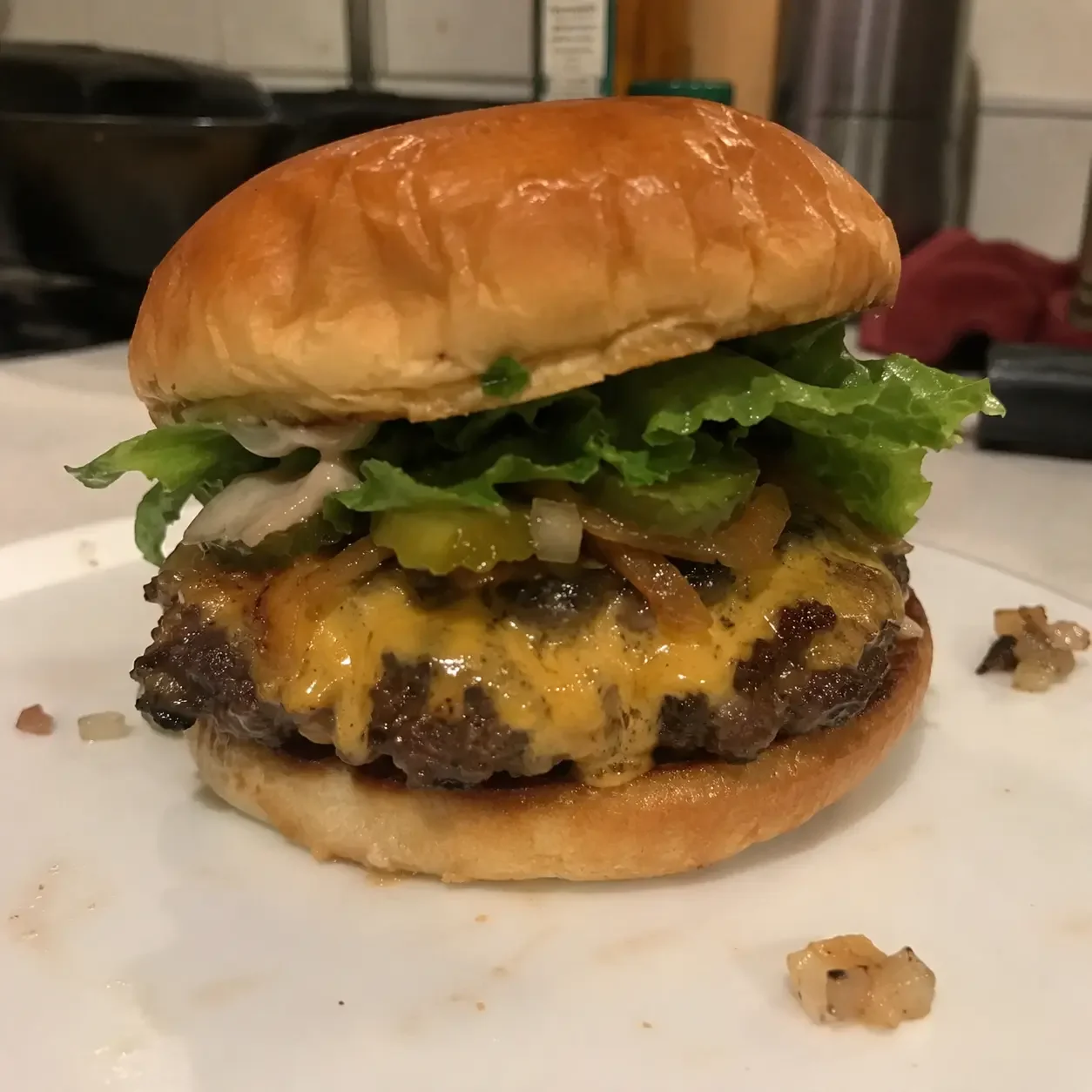
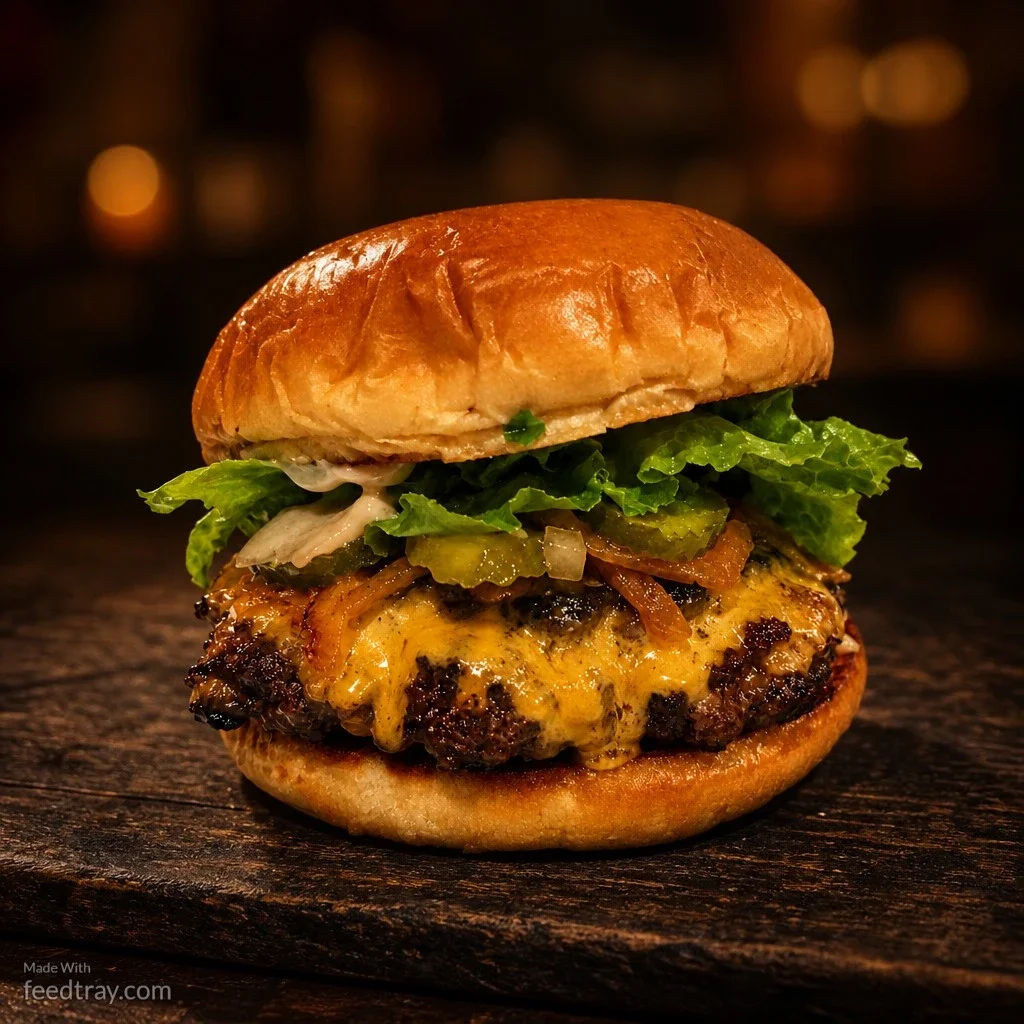
Side-by-side comparison of a dim kitchen phone photo versus an enhanced DoorDash menu photo
How to Fix Your DoorDash Photos Without a Photographer or a Budget
None of this requires new equipment. We've covered food photo tips that work in a working kitchen before, and the same basics apply here: shoot near a window during the day and turn off the overhead kitchen lights entirely, since natural light is softer and more flattering than almost anything else available in a working kitchen. Use a plain plate on a plain surface, dark wood or a simple white background both work, and get close enough that the dish fills most of the frame. Shoot the moment the dish leaves the pass, not after it's sat under a heat lamp waiting for a lull in the rush.
One habit worth building specifically for DoorDash: center the subject and leave a little breathing room around the edges. Delivery apps crop photos into square thumbnails, and a dish shot too close to the edge of the frame can lose a third of itself in the crop. What looked perfectly composed on your phone screen can end up with the best part of the plate cut clean off in the grid, which is exactly why so many otherwise decent photos still underperform once they hit the app.
A second habit for the same reason: check every photo at actual thumbnail size before uploading it, not just full screen on your phone. Shrink it down, hold your phone at arm's length, and ask whether the dish is still the first thing you notice. If the sauce disappears into the plate or the burger blends into the bun, that's the photo losing the tap before a single customer even considers your price or your menu description.
Even with all of that done right, there's a ceiling. A phone camera in a working kitchen is fighting bad light, limited angles, and zero time between orders. You can improve a photo. You can't always fix it, and with fifteen or twenty items on a menu, retaking every shot properly is a full afternoon most owners don't have, especially in the middle of a lunch and dinner rush that doesn't leave room for a shoot day.
The Fastest Way to Fix Every Photo on Your DoorDash Menu
This is where Feedtray earns its place, not as a replacement for taking the photo, but as the step after it. Upload the photo you already took on your phone, and in one click the lighting gets corrected, the background gets cleaned up, and the dish looks the way it does the moment it leaves the kitchen at its best. No studio, no photographer, no closing early for a shoot day. Fifteen menu photos can go from flat and forgettable to thumbnail-ready in less time than it takes to plate one order. The same enhanced photos work just as well on social media, so the same afternoon of uploads fixes two problems at once.
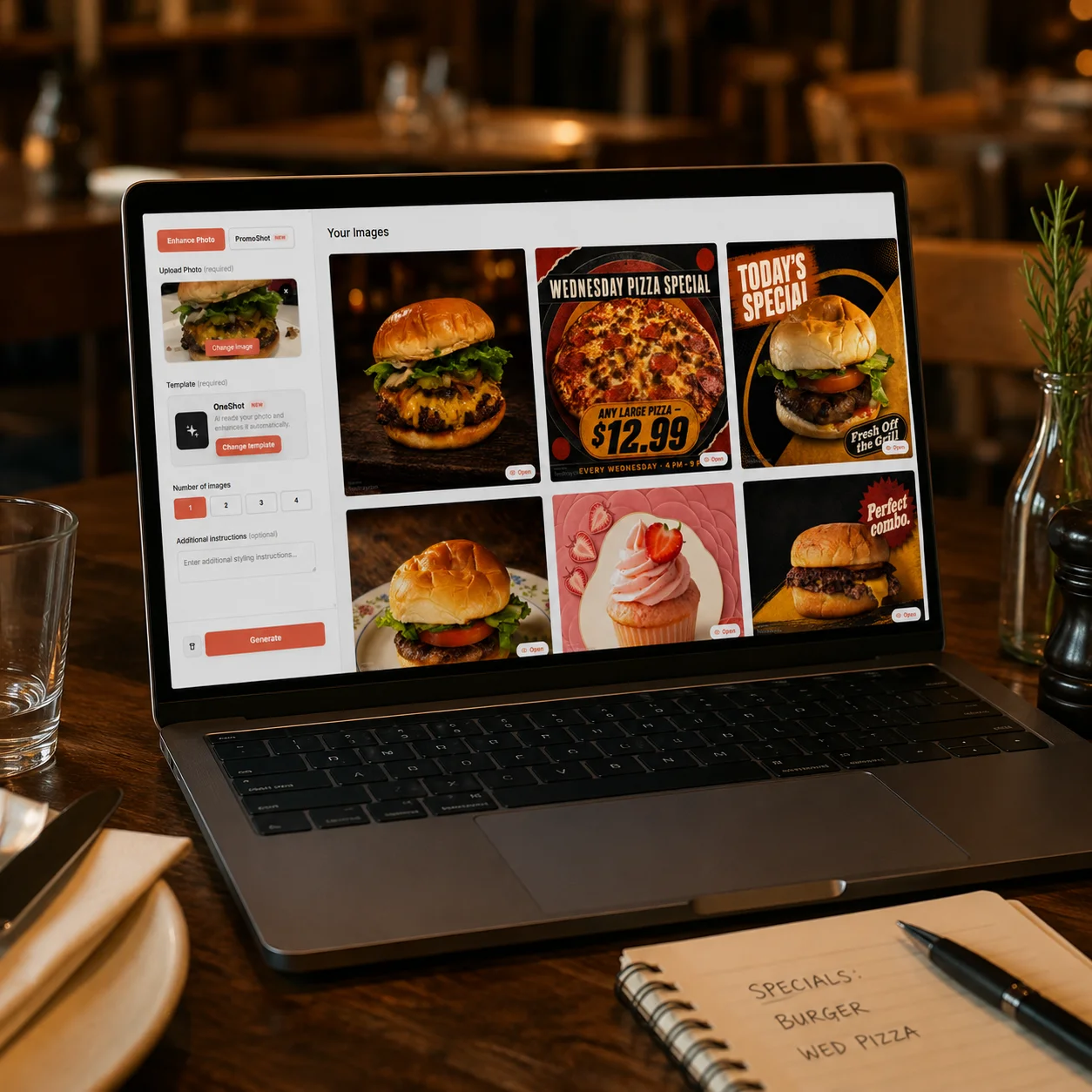
Every day your DoorDash listing runs with weak photos is a day you're paying full commission on a fraction of the orders those dishes could be earning. DoorDash's own data on merchant photos backs this up: menus with strong item photos see up to a 44% lift in monthly sales over listings without them. If you've been searching for how to get more DoorDash orders without touching your prices or waiting on the algorithm to notice you, this is it. The fix isn't a new pricing strategy or a promotion. It's the photo sitting in that thumbnail right now, and it's the one thing on your entire DoorDash listing you can change today, for free, before dinner service starts.