How to Get More Restaurant Customers From Facebook

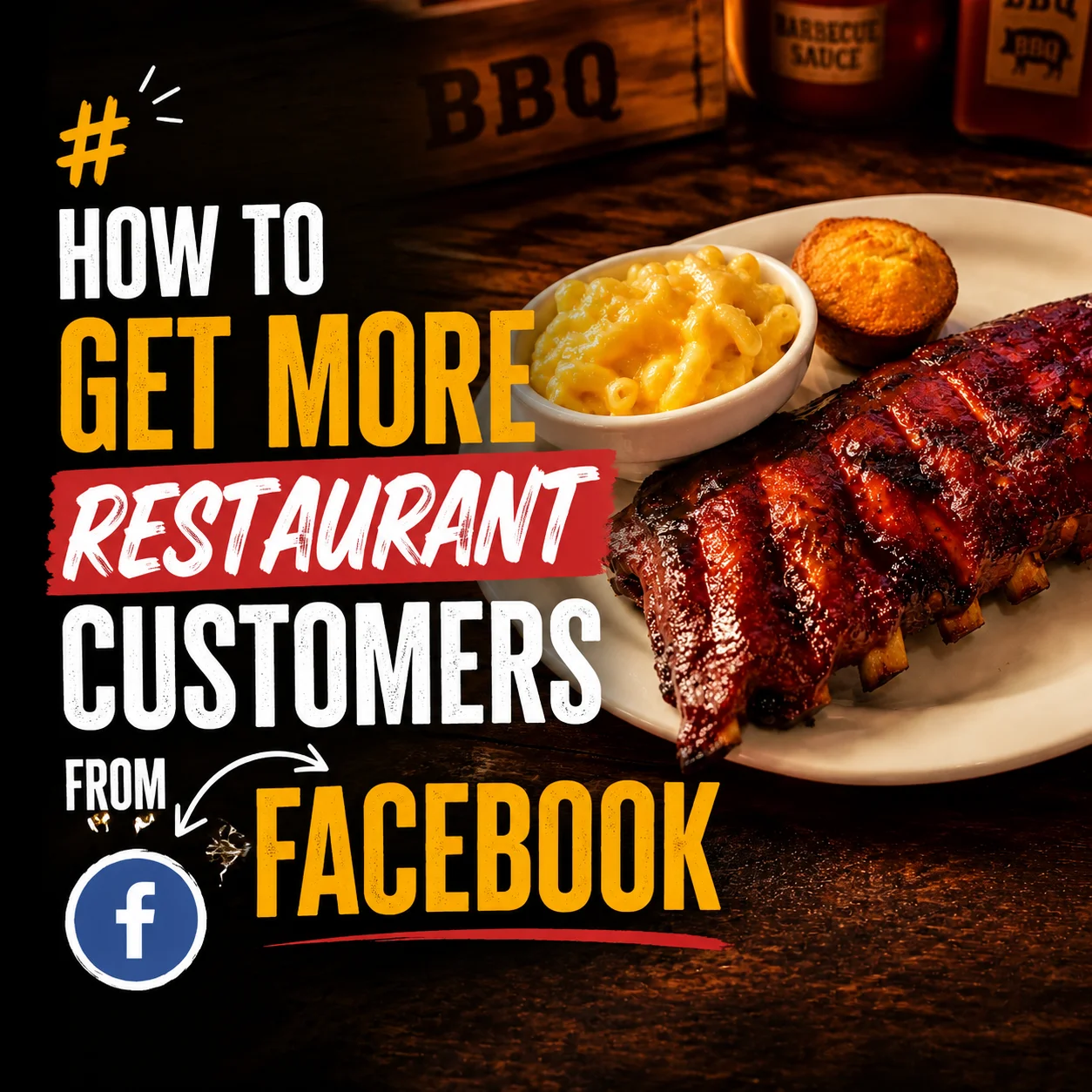
You post the photo of Friday's rib special at 4 pm, right before the dinner rush, and by closing time your restaurant Facebook page has four likes, two of them from your own servers. Down the street, the place that opened eighteen months after you did fills every table on Friday night, and you've seen their page; it's nothing special. It's not a better location or a bigger marketing budget. It's the photo, and what happens in the sixty seconds after someone sees it.
Why Facebook Still Works for Restaurants (When You Use It Right)
Restaurant owners keep telling themselves the same story: Facebook is for boomers, the algorithm buries everything, nobody under fifty even opens the app anymore. Look at who's actually there. The 35 to 65 age group is the heaviest Facebook user base, and it's also the group with the most disposable income, the most established dining habits, and the most willingness to try a new spot based on what shows up in their feed on a Tuesday night when nobody feels like cooking. That's not a coincidence. That's your restaurant's Facebook page talking directly to the person who pays the check.
The part most owners get wrong is what the algorithm actually rewards. Likes barely move the needle. Facebook's system pays attention to shares and comments, because those signal that a post was worth someone's time enough to hand it to a friend or type something out. A photo good enough to make someone tag their sister, paired with a reason to act today, earns both. And shares are where the real money is: one person sharing your restaurant Facebook page's post into a local community group can put your dining room in front of thousands of neighbors who've never walked past your door, something a recent guide to social media for small business growth points to directly, describing how businesses that show up consistently inside community groups build the kind of familiarity that turns into foot traffic. Instagram doesn't have that mechanism. There's no local group full of five thousand people in your zip code trading recommendations on Instagram. On Facebook, that group already exists, and it's free to reach.
The Photo Problem Is the Same on Every Platform
Before any of the Facebook-specific stuff matters, the photo has to stop the scroll, and that part isn't unique to this platform. A dim, slightly blue phone photo of the daily special taken under the kitchen's fluorescent lights doesn't work on Facebook any better than it works on Instagram. We've written about exactly what makes a food photo actually pull someone in over in our guide to better food photos for Instagram. Everything in there applies here too.
One thing is different, and it matters more than most owners realize: Facebook posts often render larger in the feed than Instagram posts do. That's more real estate for a great photo to work with, and it's more real estate for a bad one to look worse. On a platform where the image takes up that much screen, the photo either does the job or it doesn't. There's no hiding a flat, grey plate of ribs behind a small thumbnail.
What a Facebook Post Actually Needs to Do
A Facebook post isn't just a photo with a caption underneath it. It's a piece of content that has to earn a share, a comment, or a tag, and each of those gets earned differently, which is the part most restaurant Facebook marketing advice skips entirely.
Shares happen when the post makes someone think of a specific place and a specific occasion. Not "check out our new menu," which asks nothing of the reader, but something that puts a moment in their head: a photo of a towering burger with the caption "this is the birthday burger, no candles required, just extra bacon." That gets shared into a group chat, into a "where should we go" thread, into a local group where someone just asked for burger recommendations. A caption that only describes the dish gives nobody a reason to move it anywhere.
Comments happen when the post either asks something specific or creates enough desire that silence feels wrong. "Ribs or brisket for Friday's special, you tell us" gets responses because it's a real choice with a real stake, someone's Friday plans. A caption that just states "Friday special: ribs" gives people nothing to respond to, so they don't.
Tags happen when the content is specific enough that one person immediately pictures another person. A post about a loaded burger with extra bacon and a fried egg on top gets tagged by someone who has a friend that always orders extra bacon on everything. A generic "come try our burgers" post doesn't trigger that association in anyone's head, because it isn't about anything specific enough to remind someone of anyone.
The restaurants filling tables on Facebook aren't posting more often. They're posting content built to be handed off, not just looked at.
The Facebook Features Most Restaurant Owners Ignore (That Actually Get You Customers)
This is where Facebook pulls ahead of Instagram, and it's also where most restaurant Facebook pages leave the most money sitting on the table.
Facebook Events. Create an event for Friday's special, not just a post about it. Invite everyone who follows your page, then share that event directly into the two or three biggest local Facebook groups in your area, the neighborhood group, the local foodie group, whatever exists where you are. Events get surfaced to people who don't follow your page yet, because Facebook shows local events to users based on location and interest, not just their existing follows. A post disappears from the feed in a day. An event stays visible and shareable until the date passes.
Facebook Groups. Find the two or three largest community or local food groups near your restaurant and actually participate, answer someone's "where should we eat tonight" post with a real recommendation, not a sales pitch, and occasionally share your own post when it's genuinely relevant to what the group is discussing. This reaches people who will never see your business page organically, and it costs nothing but ten minutes a day.
Check-ins. Every time a customer checks in at your restaurant on Facebook, that check-in appears to their entire friend list, which for most people is somewhere between two hundred and a thousand connections. Put a small table tent or a line on the receipt that says "check in and tag us," and offer something small in return, a free side, a dessert on the house. One check-in reaches more potential customers than most owners' entire posting schedule for a month.
Facebook Recommendations. These work differently from the star-rating system you're probably already chasing on Google Maps. Instead of a number, friends see when someone in their network recommends your restaurant directly in their feed, which carries more weight than a stranger's five stars because it's coming from someone they actually know. Ask happy regulars directly, "would you recommend us on Facebook," right after a good meal, when the answer is easiest to get.
None of this requires a marketing budget. It requires knowing these features exist and using them on purpose instead of posting a photo twice a week and hoping.
What the Difference Looks Like
A restaurant Facebook page where the photos look like they belong in front of a hungry stranger, and the posts give that stranger a reason to act today, looks nothing like a page that's just a photo log of the week's specials. The difference is visible in about five seconds, and it's the difference between a page that pulls in people who've never heard of you and one that only reaches the regulars who already know your name.
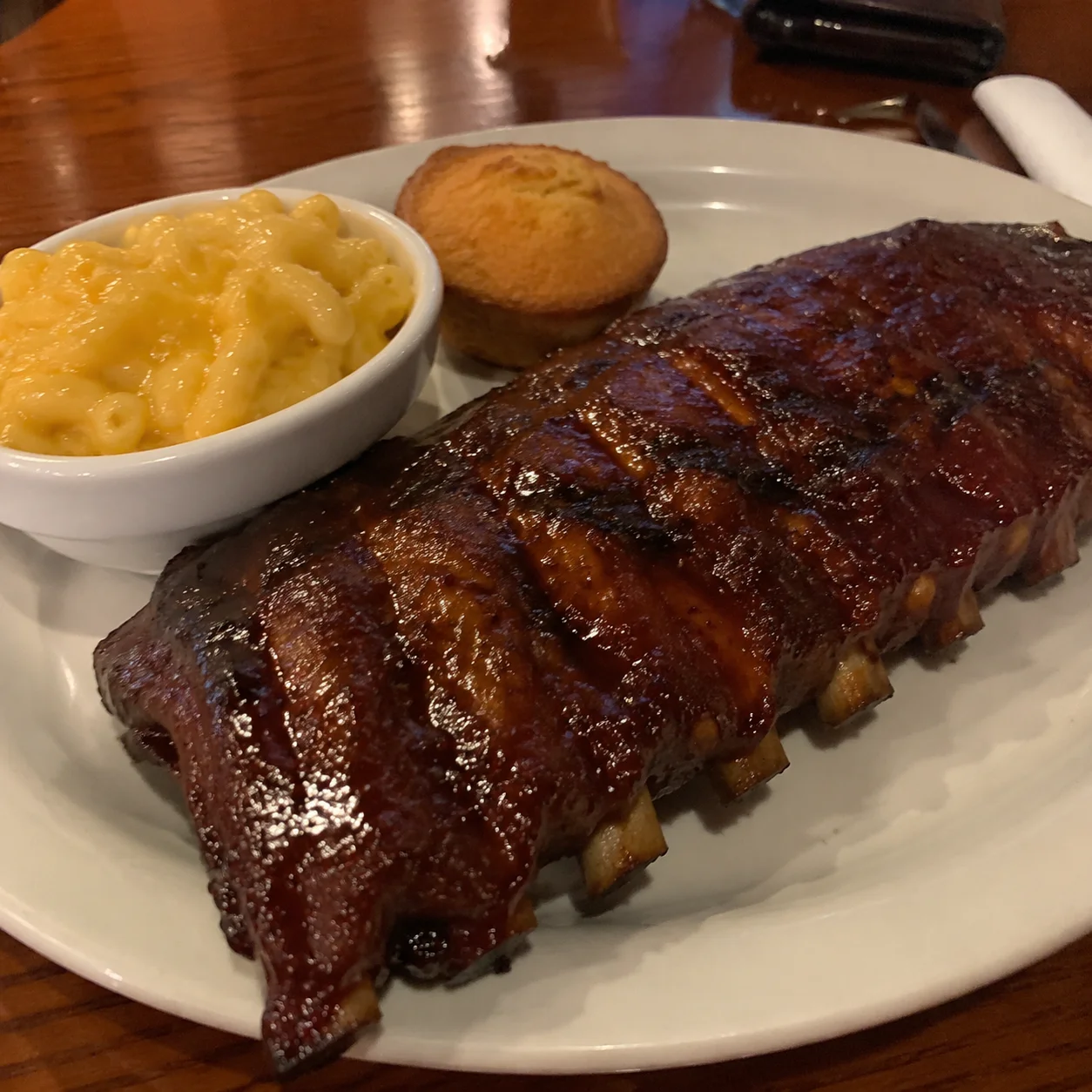
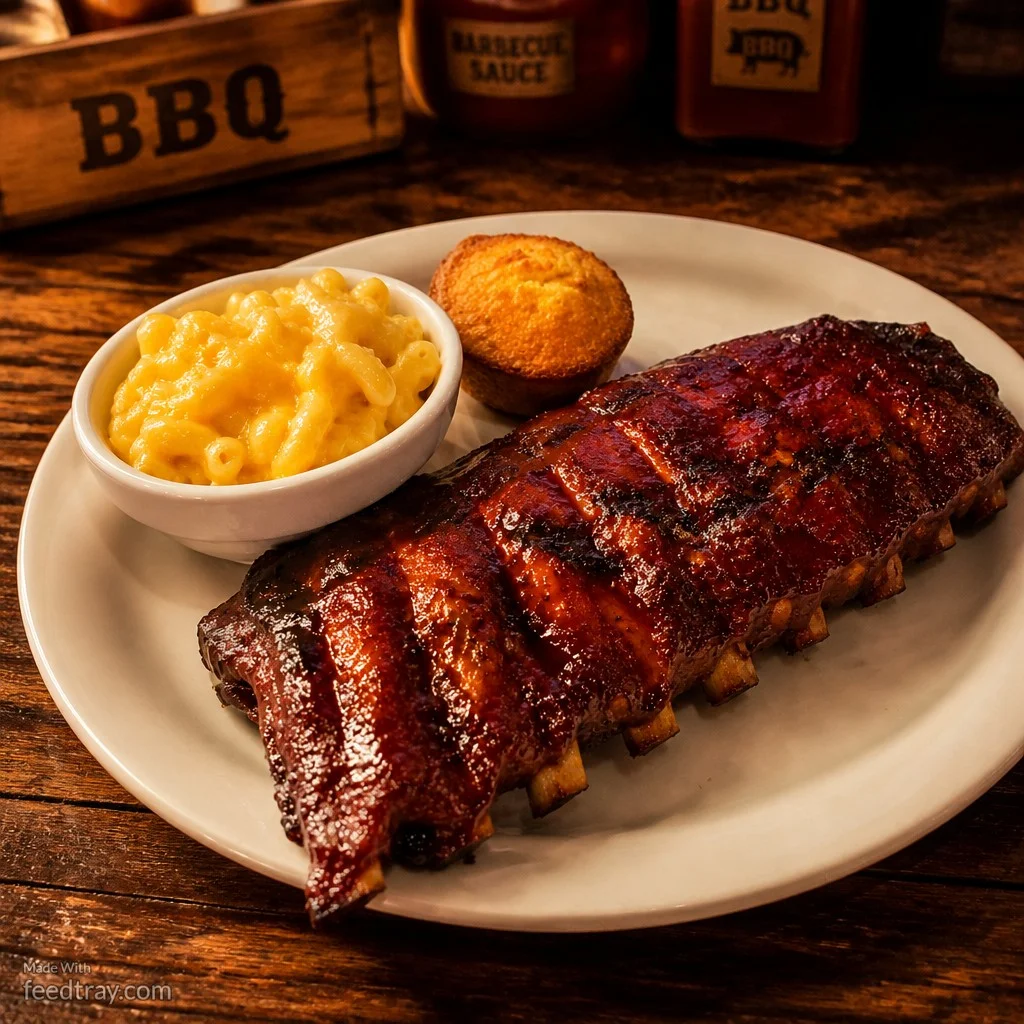
Before and after restaurant food photo enhanced with Feedtray showing how to get more restaurant customers from Facebook
This is the photo that earns the share, the tag, and the table.
How to Fix Your Facebook Photos Without a Photographer
Feedtray fixes the lighting, the background, and the color of your existing food photos in one click, no photographer, no shoot day, no studio setup between the lunch and dinner rush. On Facebook specifically, the bar is higher than it might feel: a photo shared into a local group is being judged by people who have no history with your restaurant and no reason to look past a mediocre shot. They're not regulars giving you the benefit of the doubt; they're strangers deciding in half a second whether you're worth a drive across town. Feedtray takes the photo you already took on your phone between tickets and makes it the version that earns the share instead of the scroll past.
Facebook is still where a huge share of your actual customers spend their time every day, checking their feed between errands, scrolling before bed, deciding where to eat based on what a friend just shared. One great post that earns its way into a local community group can put your restaurant in front of more real, local, hungry people in a single afternoon than a month of quiet Instagram posting. Almost every restaurant Facebook page that isn't working comes down to the same fix: the photo isn't good enough to earn the share, and the post isn't giving anyone a reason to act. Fix the photo, give people a reason, and use the features Facebook already built for exactly this. Your customers are already there for it.